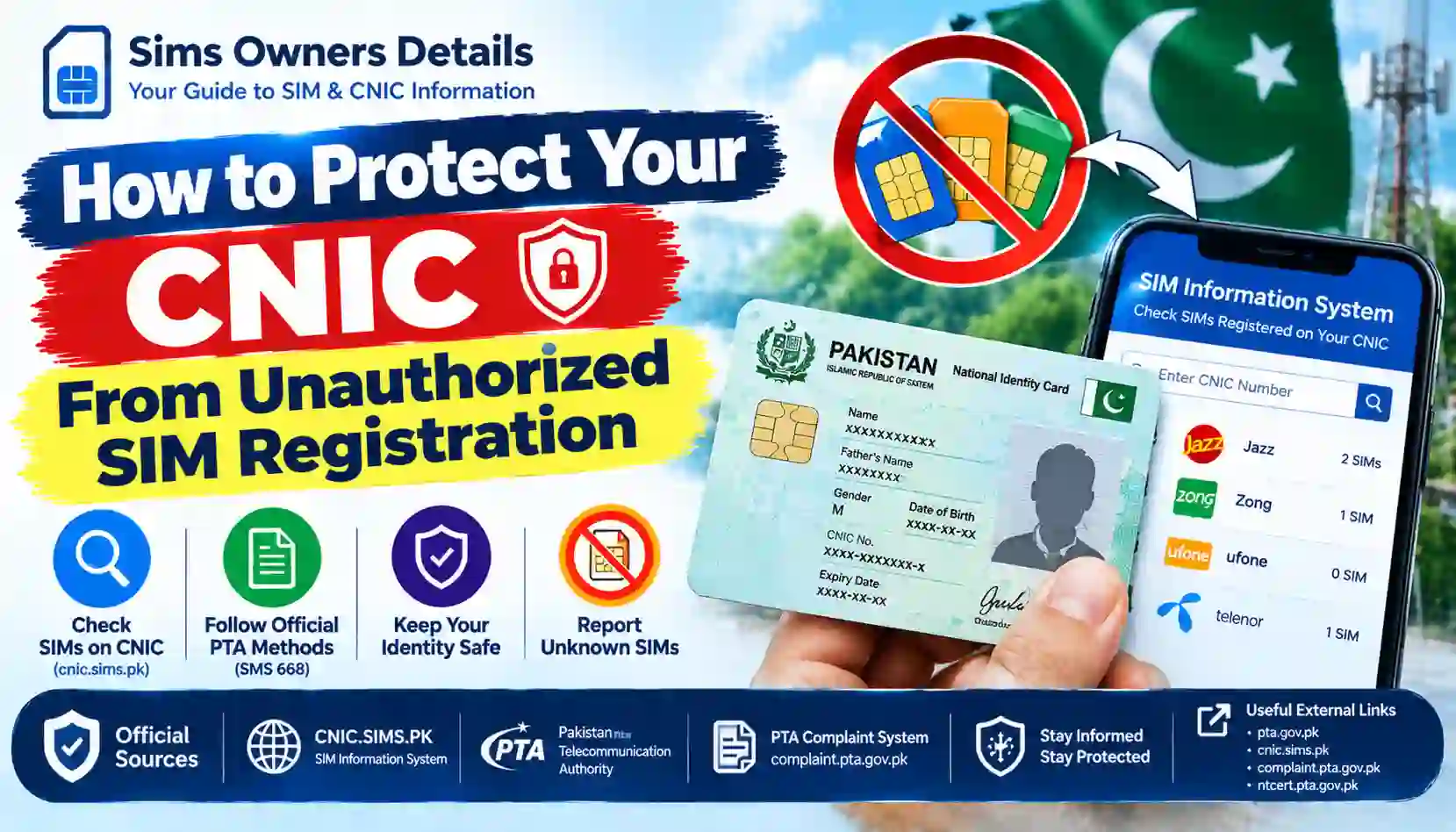
Learn how to protect your CNIC from unauthorized SIM registration in Pakistan, check SIMs through official PTA methods, and report unknown SIMs.
Your Computerized National Identity Card (CNIC) is an important document used to verify your identity in Pakistan. It is required for many official services, including mobile SIM registration. If a SIM is registered against your CNIC without your knowledge or consent, it can create privacy, security, and account-management problems.
An unauthorized SIM may be used for unwanted calls, spam, impersonation, or fraudulent activities. Even if you have never used that SIM, an incorrect registration record can cause concern and may require you to contact the relevant mobile network operator.
The good news is that you can take practical steps to protect your identity, monitor SIM registrations associated with your CNIC, and report suspicious registrations through official channels.
In this guide, SimsOwnersDetails.com explains how to protect your CNIC from unauthorized SIM registration in Pakistan, how to check your SIM information using official PTA resources, and what to do if you discover a SIM you do not recognize.
Important: This is an independent informational guide. SimsOwnersDetails.com is not affiliated with PTA, NADRA, or any mobile network operator and does not provide access to private SIM databases.
What Is Unauthorized SIM Registration?
Unauthorized SIM registration occurs when a mobile SIM is registered against a person’s CNIC or other eligible identity document without that person’s knowledge or proper authorization.
For example, you may discover that more SIMs are associated with your CNIC than you actually use. Alternatively, you may receive information from a mobile operator about a connection you do not remember purchasing.
There can be different reasons for a discrepancy, including an old connection you forgot about, a record that needs clarification, or possible misuse of personal information. You should not assume that every unexpected SIM count proves fraud. Instead, investigate the discrepancy through the relevant operator.
Why Is CNIC Protection Important?
Protecting your CNIC information helps reduce the risk of identity misuse and unauthorized account activity.
Here are some important reasons to monitor your SIM registrations:
- Identity protection: Reduce the chance of someone misusing your personal information.
- SIM ownership awareness: Understand which SIM registrations are associated with your identity.
- Fraud prevention: Identify suspicious discrepancies before they become more complicated.
- Privacy: Avoid exposing identity documents to unknown people or websites.
- Account security: Keep your mobile connections and identity records accurate.
- Peace of mind: Know where to report an unfamiliar SIM registration.
The Pakistan Telecommunication Authority (PTA) advises consumers to verify SIM registrations associated with their CNIC and contact the relevant service provider if a SIM was issued without their knowledge or consent.
How Can Someone Misuse Your CNIC for SIM Registration?
Your CNIC contains sensitive personal information. It should be handled carefully, especially when a person or organization requests a copy for verification.
Unauthorized SIM registration may involve improper use of identity information, weaknesses in a verification process, or fraudulent activity by someone involved in an attempted registration. However, simply knowing your CNIC number does not automatically give another person the ability to register a SIM successfully.
Common Risk Situations
1. Sharing CNIC Copies With Unknown People
Giving a CNIC photograph or photocopy to an unverified person may expose your personal information to misuse.
2. Unofficial SIM Offers
Be cautious of people offering free SIMs, promotional gifts, or registration services without a clear and verifiable connection to a mobile operator.
3. Improper Biometric Verification
Never allow another person to use your fingerprints or biometric verification for a SIM registration that you have not authorized.
4. Fake Websites and Forms
Some websites or online forms may request CNIC numbers, photographs, or other identity details without a legitimate reason. An unfamiliar website claiming to provide private SIM records should not be trusted automatically.
5. Phishing Messages and Phone Calls
A caller may pretend to represent a mobile network, bank, or government department and ask for personal details, verification codes, or identity documents.
6. Poor Handling of Old Documents
Old photocopies of your CNIC may be left with people or organizations you no longer deal with. Where practical, keep track of where you share copies and the reason for sharing them.
These situations are possible risks, not proof that your CNIC has been misused. If you discover an unfamiliar registration, ask the relevant operator to investigate.
10 Practical Ways to Protect Your CNIC From Unauthorized SIM Registration
1. Never Share Your CNIC With Unverified People
Only provide your CNIC details when there is a legitimate need and you have verified the recipient.
Before sharing a copy, consider:
- Why is the document required?
- Is the organization legitimate?
- Is the person authorized to collect it?
- Is a full copy necessary, or will another accepted verification method work?
- How will the document be stored and protected?
Avoid sending CNIC photographs to unknown WhatsApp numbers, social media accounts, or people who cannot explain why they need the information.
2. Purchase SIMs Through Authorized Mobile Operator Channels
When buying a SIM, use an authorized franchise or service centre belonging to the relevant mobile operator.
Check that the registration process is legitimate and that the SIM is registered using your own identity and proper verification.
Do not participate in registration arrangements that ask you to provide biometric verification for an unknown person or a SIM you do not intend to use.
The PTA and its National Telecom CERT provide public cybersecurity guidance about unauthorized SIM issuance and identity misuse.
3. Never Provide Biometric Verification for an Unknown SIM
Your biometric information is sensitive. Do not allow someone to use your fingerprints to register a SIM, verify an account, or complete a transaction that you do not understand.
If an employee or representative asks for biometric verification, make sure you understand the purpose and that the request is being handled through a legitimate service channel.
Never agree to an unknown SIM registration simply because someone promises a reward, discount, financial benefit, or free service.
4. Check SIM Registrations Associated With Your CNIC
One of the most useful preventive steps is to check your own SIM registration information periodically.
You can use the official PTA SIM Information System or the 668 SMS service to check SIM information associated with your CNIC.
When reviewing the result, compare it with the mobile connections you actually use or have previously registered.
If the count appears incorrect, do not assume the reason. Contact the relevant operator and request clarification.
For detailed instructions, read our related guide: CNIC.SIMS.PK Guide – How to Check Registered SIMs Online.
5. Do Not Enter Your CNIC on Suspicious SIM Lookup Websites
Be careful with websites that promise to reveal anyone’s SIM owner name, CNIC, home address, or private subscriber information.
Such claims may be misleading and may expose your personal information to further misuse.
Before entering identity details online:
- Check the website’s exact domain.
- Prefer official government and telecom websites for verification.
- Avoid websites that demand unnecessary identity information.
- Do not download unknown applications to access SIM records.
- Never share your CNIC through a public comment or an unverified form.
For checking SIM registrations against your own CNIC, use the official SIM Information System.
6. Protect Your CNIC Photograph and Digital Copies
If you store a photograph or scanned copy of your CNIC on your phone, computer, or cloud account, secure that account with a strong password and multifactor authentication where available.
Avoid storing sensitive documents in publicly accessible folders or sharing links that anyone can open.
When sending a copy for a legitimate purpose, ask whether the recipient accepts a purpose-marked copy. If permitted, a watermark such as “For [specific purpose] only — [date]” may help discourage unrelated reuse. Do not obscure required information or modify a document in a way that makes it invalid for the intended verification process.
7. Keep Your Mobile Number and Accounts Secure
Protect your own mobile number with strong account security.
- Use a unique password for your email account.
- Enable two-step verification where available.
- Never share OTPs or account PINs with callers.
- Review banking alerts and account activity.
- Contact your operator if you receive an unexpected SIM replacement notification.
- Act quickly if your number unexpectedly stops working and the operator confirms suspicious activity.
These steps help protect your accounts, although they cannot guarantee that unauthorized SIM registration will never occur.
8. Review Old and Unused SIM Connections
You may have registered SIMs that you no longer use or have forgotten about.
Review your SIM information and identify connections that genuinely belong to you but are no longer required. Contact the relevant operator to ask about the official closure or disowning procedure.
Do not treat an unfamiliar SIM as your own simply because it appears in the count. Ask the operator to investigate it separately.
Important: Rules and waiting periods for closing or disowning SIMs can vary by situation and may change. Ask the operator about current requirements, particularly if the SIM was issued without your consent.
9. Keep Records of SIM Purchases and Complaints
Whenever you purchase or replace a SIM, retain any receipt, confirmation message, or complaint reference provided by the operator.
If you later discover an unexpected registration, these records may help you explain which connections you authorized and when.
Do not publish complaint documents or identity details publicly. Keep copies securely and provide them only through verified official channels when needed.
10. Report Suspicious Registrations Promptly
If you discover a SIM you do not recognize, contact the relevant mobile network operator as soon as possible.
Explain that the registration appears unauthorized and request an investigation. Ask what documentation is required and whether the connection can be blocked or corrected under the applicable procedure.
If your complaint is not resolved, you can consider escalating an eligible telecom complaint through the PTA Complaint Management System.
How to Check SIMs Registered Against Your CNIC in Pakistan
You do not need to rely on third-party websites to perform a basic check of SIM information associated with your own CNIC.
The official SIM Information System and 668 SMS service are established options for checking your registration information.
Method 1: Check Online Through the PTA SIM Information System
Follow these steps:
- Open the official website: https://cnic.sims.pk/.
- Select the appropriate identity-document option shown on the website.
- Enter the requested details for your own CNIC.
- Complete the verification step, if required.
- Submit the information.
- Review the result and compare it with the SIMs you know you have registered.
The service is intended to help users check SIM information associated with their own identity. Do not expect it to provide another subscriber’s private identity details or a complete history of every SIM replacement.
If the displayed information seems incorrect, contact the relevant operator.
Method 2: Check Through SMS 668
You can also use the 668 SMS service to check SIM counts associated with your CNIC.
- Open the messaging application on your phone.
- Enter your own 13-digit CNIC number without dashes.
- Send the message to 668.
- Review the response for the SIM count associated with each mobile network.
- If you notice a discrepancy, contact the relevant operator for investigation.
Note: Charges may apply. Confirm the current procedure and charges through official sources before using the service.
What Information Should You Compare?
| What to review | Why it matters |
|---|---|
| SIM count by network | Helps identify a count that differs from your own records |
| Your active mobile connections | Helps you recognize connections you currently use |
| Old or unused SIMs | Helps you decide which legitimate connections are no longer needed |
| Unexpected SIM information | Signals that you should contact the relevant operator for clarification |
| Complaint reference | Helps you track a reported registration issue |
The official check may provide limited information, such as SIM counts by network. It should not be treated as a public tool for finding the private identity or address of another mobile subscriber.
What to Do If You Find an Unauthorized SIM on Your CNIC
Discovering an unfamiliar SIM registration can be worrying, but a careful and documented response is more useful than relying on unofficial websites or making assumptions.
Step 1: Contact the Relevant Mobile Network Operator
Use the operator’s verified helpline, official website, or authorized service centre.
Explain that your CNIC appears to have a SIM registration you do not recognize. Request an investigation into the registration and ask about the process for blocking or correcting it if it was issued without your authorization.
The operator may require identity verification or additional information before taking action.
Step 2: Ask for a Complaint Reference
Record the complaint number, date, and details of the instructions you receive.
Keep any receipts, SMS notifications, or other evidence that may help the operator investigate.
Step 3: Visit an Authorized Service Centre if Required
If the issue cannot be resolved remotely, ask whether you need to visit an authorized service centre with your original CNIC.
Follow the operator’s official identity-verification process. Do not hand over your original identity document to an unverified person or allow biometric verification for an unrelated service.
Step 4: Escalate an Unresolved Telecom Complaint
If the operator does not resolve your complaint, you can submit an eligible complaint through the PTA Complaint Management System.
Provide accurate information and the operator’s complaint reference where applicable. Follow the portal’s current instructions for evidence and supporting documents.
Step 5: Report Any Related Fraud
If the unauthorized registration is connected to financial fraud, impersonation, harassment, or another suspected crime, preserve relevant evidence and ask the appropriate official authority or your bank, where applicable, how to report the incident.
If a bank account may be at risk, contact the bank immediately through a verified channel.
Step 6: Recheck Your SIM Information
After the operator confirms that the matter has been addressed, check your own CNIC through the official service again when appropriate.
Keep the resolution reference in case you need to follow up.
Official Websites and External Resources
Use trusted sources when checking your SIM information or reporting an unauthorized registration.
| Official resource | How it can help | Website |
|---|---|---|
| PTA SIM Information System | Check SIM information associated with your own CNIC | cnic.sims.pk |
| Pakistan Telecommunication Authority | Telecom regulations, public guidance, and official updates | pta.gov.pk |
| PTA Complaint Management System | Submit or follow up on eligible telecom complaints | complaint.pta.gov.pk |
| PTA National Telecom CERT | Cybersecurity advisories and digital safety information | ntcert.pta.gov.pk |
| PTA/National Telecom CERT cybercrime guide | Guidance on cybercrime risks, illegal SIM issuance, and prevention | Read the official guide (PDF) |
Always check that the website address is correct before entering personal information.
Common Mistakes to Avoid When Protecting Your CNIC
Ignoring an Unexpected SIM Count
If the count differs from your records, do not simply ignore it. It may be an old connection or a genuine discrepancy, so ask the operator to clarify it.
Sharing Your CNIC in Public Comments
Never post your complete CNIC number, CNIC photograph, OTP, or private account information in a public comment section or social media group.
Trusting Every Website That Claims to Be Official
A professional-looking design does not prove that a website belongs to PTA or NADRA. Check the exact domain independently.
Assuming That Every Unknown SIM Is Proof of Criminal Activity
An unfamiliar registration deserves investigation, but the reason cannot be established from a SIM count alone.
Delaying a Complaint
If an operator confirms that a SIM was issued without your consent, follow its reporting and resolution procedure promptly.
Giving Biometric Verification Without Understanding the Request
Do not approve a SIM registration or verification request that you did not initiate or do not understand.
Frequently Asked Questions (FAQs)
1. How can I protect my CNIC from unauthorized SIM registration?
Keep your CNIC details private, use authorized mobile operator channels, avoid suspicious websites, protect your biometric information, and periodically check SIM information associated with your own CNIC through official services.
2. How do I check SIMs registered against my CNIC?
Use the official PTA SIM Information System or send your CNIC number without dashes to 668, following the current official instructions. Charges may apply to SMS.
3. What should I do if I find an unknown SIM on my CNIC?
Contact the relevant mobile operator and report that the registration is unfamiliar or appears unauthorized. Request an investigation, keep the complaint reference, and escalate through the PTA Complaint Management System if needed.
4. Can someone register a SIM using only my CNIC number?
A CNIC number alone does not automatically enable a successful SIM registration. However, personal information should still be protected because identity details can be misused in attempted fraud or impersonation.
5. Can I check the SIM owner details of another person?
Official SIM-checking services are intended for checking information associated with your own identity. Do not use unofficial websites claiming to reveal another person’s confidential subscriber details.
6. Does checking SIMs on my CNIC automatically block unauthorized SIMs?
No. Checking helps you identify a possible discrepancy. If you find a SIM you do not recognize, contact the relevant operator and follow its official complaint and blocking procedure.
7. Is the PTA SIM Information System an official website?
The SIM Information System is available at cnic.sims.pk. Always verify the domain and avoid entering your CNIC into imitation websites.
8. How often should I check SIM registrations against my CNIC?
There is no need to rely on a rigid schedule. Periodic checks are a sensible precaution, particularly after sharing identity documents, discovering a discrepancy, or experiencing suspicious SIM-related activity.
9. Can I report unauthorized SIM registration to PTA?
You can escalate an eligible telecom complaint through the PTA Complaint Management System. It is helpful to contact the operator first and retain its complaint reference.
10. Is SimsOwnersDetails.com affiliated with PTA or NADRA?
No. SimsOwnersDetails.com is an independent informational website. It provides educational guides and directs readers to official resources; it does not operate government verification systems or access confidential subscriber databases.
Conclusion
Protecting your CNIC from unauthorized SIM registration is an important part of maintaining your digital privacy and mobile security.
Keep your identity information private, avoid suspicious registration offers, never provide biometric verification for an unknown SIM, and use official services to review SIM information associated with your own CNIC.
If you discover a SIM you do not recognize, contact the relevant mobile operator and request an investigation. Keep the complaint reference and escalate the issue through PTA if necessary.
Your best protection is prevention, regular verification, and prompt action when something looks wrong.
SimsOwnersDetails.com aims to make SIM registration and digital safety information easier to understand. For account-specific issues, always rely on your mobile operator and the appropriate official authority.
Disclaimer: This article is for general educational and public-awareness purposes only. SimsOwnersDetails.com is independently operated and is not affiliated with PTA, NADRA, or any mobile network operator. We do not provide access to private SIM databases or confidential subscriber information. Procedures and service requirements may change; verify current instructions through official channels.