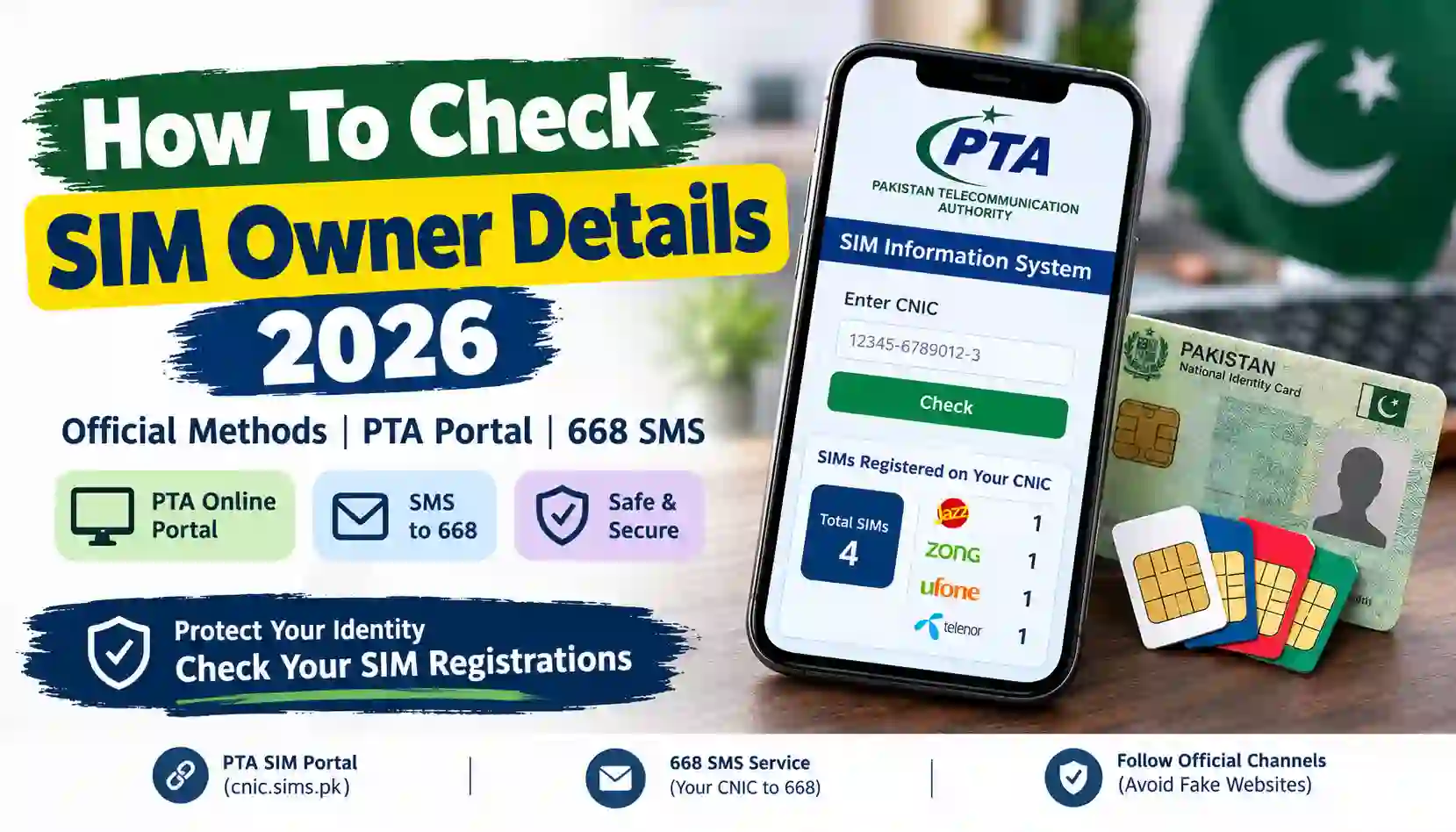
Learn how to check SIM owner details in Pakistan in 2026. Verify SIMs on your own CNIC using PTA’s 668 SMS service and official online portal.
Mobile SIM cards are an essential part of everyday life in Pakistan. People use them for phone calls, internet access, banking verification, social media accounts, business communication, and other online services. However, many mobile users do not regularly check which SIM cards are registered against their Computerized National Identity Card (CNIC).
If you are searching for how to check SIM owner details in Pakistan in 2026, it is important to understand the difference between checking your own SIM registration and accessing another person’s private information.
The Pakistan Telecommunication Authority (PTA) provides an official SIM Information System that allows users to check the number of SIMs registered against their own CNIC. You can use the online portal or send your CNIC number to the designated SMS code, 668. Charges may apply to the SMS service.
Visit the official portal: PTA SIM Information System.
At SimsOwnersDetails.com, our goal is to explain SIM verification procedures, registration rules, online safety, and official resources in simple language. This guide explains the available methods, what information you can expect, how to deal with an unfamiliar SIM registration, and how to avoid misleading SIM database websites.
What Are SIM Owner Details?
SIM owner details generally refer to information associated with the registration of a mobile SIM card. Depending on the context, people may use this phrase when asking about their own registered SIMs, verifying a number they use, or trying to identify the person behind an unfamiliar mobile number.
However, not all SIM-related information is publicly accessible.
For privacy and security reasons, the public PTA SIM Information System is designed to show the number of SIMs registered against your own CNIC. It is not a public directory that reveals every subscriber’s name, address, CNIC number, or personal information.
Common types of SIM-related information
| Information | Official availability |
|---|---|
| Total SIMs registered against your own CNIC | Available through PTA’s SIM Information System |
| Network-wise SIM registration count | Available through the official CNIC check |
| Name and address of another subscriber | Not available through a public owner lookup |
| Another person’s complete CNIC details | Not available through the public SIM Information System |
| Registration concerns about your own SIM | Contact the relevant mobile operator |
| Mobile network of a number | PTA’s portal lists a network-check SMS option; see its current instructions |
Understanding these differences helps you choose the correct verification method and protect your personal information.
How to Check SIM Owner Details 2026 Online in Pakistan
The simplest official way to check how many SIMs are registered against your CNIC is through PTA’s SIM Information System.
You do not need to visit a mobile franchise just to perform the initial online count check. You need your own valid CNIC and an internet connection.
Step 1: Open the official PTA SIM Information System
Visit:
Check the website address carefully before entering any personal information. Avoid similar-looking websites, unfamiliar links sent through WhatsApp, and advertisements claiming to provide private subscriber records.
Step 2: Select the CNIC option
The portal provides a CNIC option for Pakistani identity documents and a Foreign ID option for eligible foreign nationals.
Choose the option applicable to your identity document.
Step 3: Enter your CNIC number
Enter your own 13-digit CNIC number in the requested field.
Follow the portal’s current instructions for entering the number and completing any verification step displayed on the page.
Step 4: Submit your information
Submit the form and review the result.
The system is intended to show the total number of SIMs registered against the entered CNIC, including a breakdown by mobile operator.
Step 5: Review the results
Check the displayed counts carefully. If the result differs from the SIMs you currently use or expect to have registered, contact the relevant mobile operator for clarification.
Remember that the portal’s count does not necessarily reveal the individual phone numbers or the names of subscribers associated with those SIMs.
Official resource: Open PTA’s SIM Information System.
How to Check SIMs Registered on Your CNIC Through SMS 668
If you do not have internet access, you can use the SMS method.
PTA advises consumers to send their CNIC number without dashes to 668 to check the SIM registration count associated with their identity. Charges may apply.
Follow these steps
- Open the Messages application on your mobile phone.
- Create a new SMS.
- Type your own 13-digit CNIC number without dashes or spaces.
- Send the message to 668.
- Wait for the reply.
- Review the number of SIMs shown against the relevant mobile operators.
For example, enter the CNIC as a continuous sequence of 13 digits rather than including hyphens.
Use your own CNIC for this check. Never post your CNIC publicly or share it with an unfamiliar website claiming to reveal private SIM records.
Is the 668 service free?
The service may involve SMS charges. Check your mobile operator’s current tariff and the instructions provided by PTA before sending the message.
What does the 668 reply tell you?
The response is intended to provide a count of SIMs registered against your CNIC, broken down by mobile company.
It should not be treated as a public subscriber directory or a method for discovering another person’s private identity.
Difference Between Online SIM Check and SMS 668
Both methods help you check SIM registration counts associated with your CNIC, but they use different channels.
| Feature | Online method | SMS method |
|---|---|---|
| Official service | PTA SIM Information System | PTA’s 668 service |
| Website or code | cnic.sims.pk | 668 |
| Internet required | Yes | No |
| Information needed | Your own CNIC | Your own CNIC |
| Main purpose | Check SIM registration counts | Check SIM registration counts |
| Possible charges | No fee is indicated on the portal | SMS charges may apply |
| Public lookup of another person’s identity | No | No |
Choose whichever method is more convenient. If you need help identifying a specific SIM that you believe is registered incorrectly, the next step is to contact the operator rather than relying on a general SIM count.
Can You Check SIM Owner Details by Mobile Number?
This is one of the most common questions people ask when searching for SIM owner details online.
Someone may receive an unfamiliar call, a suspicious message, or repeated calls from an unknown number. They may want to know who is contacting them.
However, PTA’s public SIM Information System does not offer a general search that reveals another person’s name, CNIC, or home address from their mobile number.
You should be cautious about websites or applications promising to display complete private subscriber records merely by entering a phone number.
Such claims may be misleading, and some services may attempt to collect personal information or payment without providing reliable results.
What should you do if an unknown number contacts you?
If you receive a suspicious call or message:
- Do not share your CNIC, passwords, banking details, or verification codes.
- Avoid clicking unknown links sent by SMS or messaging applications.
- Block the number if the contact is unwanted.
- Keep screenshots or other relevant evidence if the messages involve threats, harassment, or fraud.
- Contact your mobile operator or the appropriate authorities if the matter is serious.
If the issue involves suspected fraud or criminal activity, report it through the relevant official complaint channel instead of attempting to obtain private subscriber information yourself.
How to Check the Network of a Mobile Number
Sometimes you do not need the SIM owner’s identity. You only want to identify the mobile network associated with a number.
PTA’s SIM Information System displays instructions for checking a number’s network by SMS.
According to the portal, you can send a message in this format:
N 03xx3456789
Send it to 76367 and follow the portal’s current instructions. The displayed charge is Rs. 2 plus tax.
Replace the example number with the number you want to check, and verify the current instructions on the official portal before sending the SMS.
Important: A network check is not the same as a SIM ownership check. It does not provide a subscriber’s full name, CNIC, home address, or private records.
Official resource: PTA SIM Information System.
How to Check SIM Owner Details on Jazz, Zong, Ufone, and Telenor
Pakistan’s mobile users commonly use networks such as Jazz, Zong, Ufone, and Telenor. The correct procedure depends on whether you want to check SIM counts on your CNIC or resolve a registration issue with a particular operator.
Jazz SIM registration
If the PTA portal shows SIMs registered under Jazz against your CNIC, compare the count with your known registrations.
If you see an unexpected count, contact Jazz through its official customer support channels or visit an authorized franchise with your original identity document.
Official website: Jazz.
Zong SIM registration
If you use Zong, review the count displayed for the relevant operator in the PTA SIM Information System.
For a suspected unauthorized registration, contact Zong’s official customer support team and ask how to verify the SIMs associated with your identity.
Official website: Zong.
Ufone SIM registration
Ufone customers can use the same PTA CNIC check to review their overall SIM registration count.
For questions about a particular registration, SIM replacement, or ownership correction, contact Ufone through its official support channels.
Official website: Ufone.
Telenor SIM registration
Telenor customers should check their CNIC through PTA’s official system and contact the operator if the displayed count raises concerns.
Use authorized customer service channels for identity verification, ownership corrections, and other registration-related requests.
Official website: Telenor Pakistan.
Why operator support matters
The PTA portal provides a count, while the relevant operator can guide you through checking or resolving a specific SIM registration issue.
You may be asked to complete identity verification before the operator can discuss account-specific information or process a request.
What Should You Do If an Unknown SIM Is Registered Against Your CNIC?
Finding an unexpected SIM count can be concerning. However, the count alone does not establish that fraud has occurred. You should investigate the discrepancy through official channels.
Step 1: Confirm your results
Repeat the check through cnic.sims.pk or the 668 SMS service, following the latest instructions.
Make sure you entered the correct CNIC and understand which operator’s count appears unfamiliar.
Step 2: Identify the relevant operator
Review the network-wise count in the result. This can help you determine which mobile operator to contact.
Remember that the public count may not identify the specific number responsible for the discrepancy.
Step 3: Contact the operator
Use the operator’s official website, customer service channel, or authorized franchise.
Explain that you believe a SIM may be registered against your CNIC without your knowledge or consent. Ask the operator to verify the registration through its authorized process.
Step 4: Bring the required identity documents
If the operator asks you to visit a franchise, bring your original CNIC and follow its identity-verification requirements.
Do not provide fingerprints or copies of identity documents to an unverified person claiming to offer a SIM check.
Step 5: Request investigation or disowning
If the operator confirms that a SIM is incorrectly registered, ask about the appropriate investigation, blocking, correction, or disowning procedure.
Keep any complaint reference number or confirmation provided by the operator.
Step 6: Escalate if necessary
If the operator does not resolve the matter, you can review the complaint options provided by PTA.
Official complaint portal: PTA Complaint Management System.
Use accurate information and provide only the documents requested through official channels.
Why SIM Registration in Your Own Name Matters
SIM registration is an important part of mobile account security.
PTA has reminded consumers that SIMs should be registered in the actual user’s name and that the registered user may be held responsible for the use or misuse of the SIM.
Using a SIM registered to another person can create difficulties when you need to replace a lost SIM, resolve ownership issues, or verify your identity.
Benefits of checking your SIM registrations
- Identity protection: You can identify unexpected registration counts and investigate them.
- Account security: You can take action if a registration issue affects your mobile identity.
- Better record management: You can review registrations associated with your CNIC.
- Fraud prevention: You can report suspected unauthorized registrations through the appropriate channels.
- Responsible ownership: You can ensure that the SIMs you use are properly registered.
Check the registrations periodically, particularly if you have lost a phone, changed networks, or discovered a possible identity misuse issue.
How to Avoid Fake SIM Owner Details Websites
Search engines may display websites claiming to offer SIM owner names, CNIC information, addresses, or complete mobile subscriber records.
Before trusting such a service, consider what information it asks for and whether its claims are supported by an official source.
Warning signs to look out for
1. Claims of complete private records
Be cautious if a website promises every subscriber’s name, CNIC, address, and personal details from a single phone number.
2. Requests for unnecessary personal information
Do not enter your CNIC, passwords, banking details, or verification codes into an unfamiliar service without a clear and legitimate reason.
3. Payment requests for guaranteed results
A payment request does not prove that a database is authentic or that its information is accurate.
4. Suspicious downloads
Avoid installing unknown applications or files advertised as SIM databases. They may compromise your device or collect personal information.
5. Impersonation of official services
Check the domain carefully. PTA’s official public SIM Information System is available at cnic.sims.pk.
A safer alternative
Use official channels for your own SIM registration checks. For issues involving another number, use appropriate reporting channels and avoid attempting to obtain someone else’s private information.
You can also explore related educational guides on SimsOwnersDetails.com to understand SIM verification, registration rules, and online safety.
Is It Legal to Access Someone Else’s SIM Owner Details?
SIM registration information can contain personal data, so it should not be accessed, obtained, or shared without appropriate authorization.
A website’s claim that it has a database does not establish that the data was obtained lawfully or that you are entitled to use it.
The legal position depends on the circumstances, the data involved, and the applicable law. Pakistan’s cybercrime and telecommunications rules address various forms of unauthorized access, misuse of identity information, and unlawful SIM issuance.
For general information about cybercrime risks, you can consult the awareness resources published by PTA’s National Telecom and Information Technology Security Board (NTCERT).
If you believe your information has been misused, preserve relevant evidence and contact the appropriate official authority for guidance.
Official Resources for SIM Verification in Pakistan
Use these resources to verify SIM-related information and resolve registration concerns.
| Organization or service | Purpose | Official link |
|---|---|---|
| PTA SIM Information System | Check SIM counts against your CNIC | cnic.sims.pk |
| Pakistan Telecommunication Authority | Telecommunications guidance and information | pta.gov.pk |
| PTA Complaint Management System | Submit an eligible telecom complaint | complaint.pta.gov.pk |
| NADRA | Identity-document services and guidance | nadra.gov.pk |
| Jazz | Operator-specific support | jazz.com.pk |
| Zong | Operator-specific support | zong.com.pk |
| Ufone | Operator-specific support | ufone.com |
| Telenor Pakistan | Operator-specific support | telenor.com.pk |
Always check the current instructions on the relevant official website before submitting information or making a complaint.
Frequently Asked Questions (FAQs)
1. How can I check SIM owner details in Pakistan in 2026?
To check SIM registrations associated with your own CNIC, visit cnic.sims.pk or send your 13-digit CNIC number without dashes to 668. The service provides a SIM registration count, not a public directory of other people’s private information.
2. Can I check SIM owner details by mobile number online?
The public PTA SIM Information System does not provide a general phone-number search to reveal another subscriber’s name, CNIC, or address. Use official reporting channels if you have a legitimate concern about an unknown number.
3. How can I check how many SIMs are registered against my CNIC?
Visit the official PTA SIM Information System, enter your own CNIC as instructed, and submit the form. Alternatively, send your CNIC without dashes to 668. SMS charges may apply.
4. Does the PTA SIM Information System show phone numbers?
The public system is designed to show the total number of SIMs registered against your CNIC, with an operator-wise breakdown. It should not be treated as a service for retrieving complete individual subscriber records.
5. Can I check Jazz SIM registration through CNIC?
You can check the number of SIMs registered against your CNIC by using the PTA portal or 668. For information about a specific Jazz registration, contact Jazz through its official customer support channels.
6. What should I do if an unknown SIM is registered against my CNIC?
Contact the relevant mobile operator and request verification. If the matter remains unresolved, consider submitting a complaint through PTA’s official complaint portal.
7. Is the 668 SMS service free?
Charges may apply. Check your operator’s current SMS tariff and the instructions provided by PTA before using the service.
8. Is cnic.sims.pk an official website?
Yes. The website is PTA’s public SIM Information System. Check the exact domain before entering your CNIC and avoid look-alike websites.
9. Can I find a person’s home address through their mobile number?
The public PTA SIM Information System does not provide a subscriber’s home address from a phone number. Do not rely on websites promising access to private address records.
10. Does an unfamiliar SIM count always mean fraud?
No. An unexpected count is a reason to investigate, not proof of fraud. Contact the relevant operator to confirm the registration and determine whether corrective action is needed.
11. Can I use someone else’s CNIC to check their SIM registrations?
The official service is intended for authorized identity checks. You should not use another person’s identity information without appropriate authorization. Ask the person to perform the check themselves or follow the applicable official procedure.
12. How often should I check SIM registrations?
There is no need to check every day, but periodic checks are a useful security habit. You may also check after losing a phone or when you suspect unauthorized use of your identity.
Conclusion
Knowing how to check SIM owner details in Pakistan in 2026 can help you manage your mobile registrations and protect your identity.
The safest starting point is PTA’s official SIM Information System at cnic.sims.pk or the 668 SMS service. Both methods are intended to help you review SIM registrations associated with your own CNIC.
If you discover an unexpected registration, contact the relevant mobile operator and request an investigation. For unresolved telecommunications complaints, use PTA’s official complaint process.
Avoid websites that promise unauthorized access to private subscriber records, and never share sensitive identity information with unverified services.
Disclaimer: Sims Owners Details is an independent informational website and is not affiliated with PTA, NADRA, or any mobile network operator. This guide is intended for public awareness and educational purposes. Always confirm current requirements through official sources.