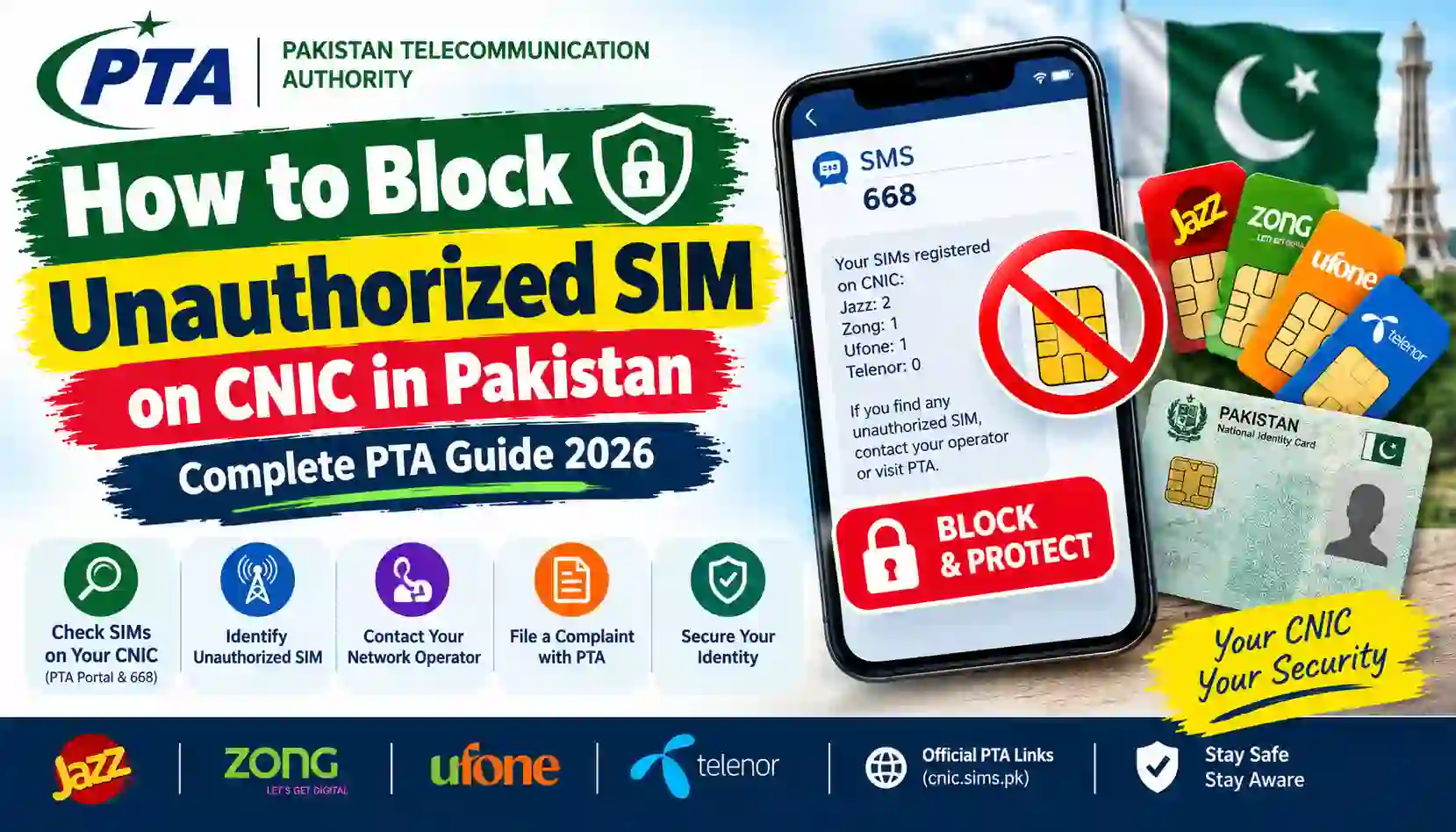
Learn how to block an unauthorized SIM on your CNIC in Pakistan. Follow this 2026 guide to check SIMs, contact your network, and report the issue to PTA.
Finding an unknown SIM registered against your Computerised National Identity Card (CNIC) can be worrying. You may be concerned that someone has used your personal information without permission or that a mobile connection could be misused in your name.
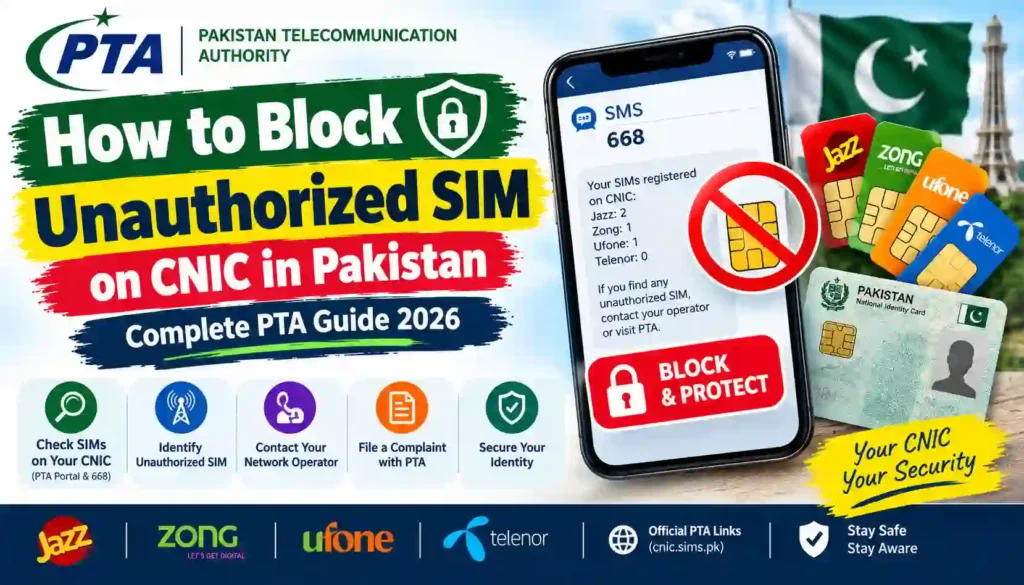
The good news is that you can take practical steps to investigate the issue. In Pakistan, the recommended starting point is to check the SIMs associated with your CNIC through the official Pakistan Telecommunication Authority (PTA) SIM Information System or its SMS service. If you discover an unfamiliar registration, contact the relevant mobile network and report the matter. You can escalate an unresolved complaint to PTA.
This guide explains how to block an unauthorized SIM on CNIC in Pakistan, how to identify the relevant mobile operator, what to take to a customer service centre, and how to protect your identity from future misuse.
Sims Owners Details is an independent informational website. It is not affiliated with PTA, NADRA, or any mobile network operator. Always use official channels to verify your records and submit complaints.
What Is an Unauthorized SIM Registered on Your CNIC?
An unauthorized SIM is a mobile connection registered using your identity details without your permission or one that you cannot account for.
For example, you might check your CNIC through the official SIM Information System and discover that a network has more SIM registrations than you currently use. You may also find that an old connection remains associated with your identity even though you no longer use it.
Possible situations include:
- A SIM was allegedly issued using your CNIC without your consent.
- An old SIM registration was never properly closed or transferred.
- A family member or another person is using a SIM registered in your name.
- Your SIM registration records contain an error.
- Someone has obtained or misused your personal information.
Important: A higher-than-expected SIM count does not automatically prove identity theft. The result may need to be investigated by the relevant operator. Confirm the details before assuming that a crime has occurred.
Step 1: Check SIMs Registered Against Your CNIC
Before requesting a block, check which mobile networks have SIM registrations associated with your identity.
Method 1: Use the official PTA SIM Information System
Visit the official portal:
Follow these steps:
- Open the official SIM Information System website.
- Select the CNIC option, where applicable.
- Enter your 13-digit CNIC number without dashes.
- Complete the displayed verification step.
- Submit the information.
- Review the SIM count shown for the available mobile networks.
Keep a screenshot or written note of the result for your records. Do not share your CNIC screenshot publicly or upload it to an unfamiliar website.
The portal helps you check the number of SIMs associated with your CNIC by network. It does not provide unrestricted access to another subscriber’s private identity information.
Method 2: Check through SMS 668
You can also use the SIM Information System SMS service.
- Open the messaging application on your mobile phone.
- Type your 13-digit CNIC number without spaces or dashes.
- Send it to 668.
- Wait for the reply.
- Review the SIM counts reported for the mobile networks.
SMS charges may apply. Check the latest instructions if the service does not respond.
For official guidance, visit the PTA SIM Information System.
What should you look for?
Compare the returned counts with the connections you know about.
| What you notice | What you should do |
|---|---|
| The SIM count matches your records | Keep checking periodically and protect your identity information. |
| One network shows more SIMs than expected | Contact that network and request a review of the registrations. |
| You no longer use a SIM registered to you | Ask the operator about blocking, disowning, or transferring the connection, depending on the circumstances. |
| You believe a SIM was issued without consent | Report it immediately to the relevant operator and keep a complaint reference number. |
| Your records remain incorrect after contacting the operator | Escalate the unresolved issue through PTA’s official complaint channels. |
Remember that the online result may show counts rather than all the information needed to identify an unfamiliar number. Ask the relevant operator to investigate the registrations associated with your CNIC.
Step 2: Identify the Mobile Network
Once you have checked your CNIC, identify the network that shows an unexpected registration.
The main mobile operators you may encounter include:
- Jazz
- Zong
- Ufone
- Telenor Pakistan
- SCO/SCOM, where applicable
The network is important because the operator responsible for the registration generally needs to investigate it.
If you are unsure which operator to contact, use the network information provided by the official SIM-checking service or consult the official customer support channels of the relevant operator.
Do not use websites that claim to reveal a subscriber’s private name, address, CNIC copy, call records, or live location. Such claims can expose you to scams and privacy risks.
Step 3: Contact the Relevant Mobile Operator
If you find an unfamiliar SIM registration, contact the network’s official helpline or visit its authorised customer service centre.
Explain the situation clearly. For example:
A SIM registration appears to be associated with my CNIC, but I do not recognise or authorise it. Please investigate the registration, secure the connection, and explain the procedure for blocking or removing it from my CNIC.
Ask the operator to:
- Review the SIM registration associated with your CNIC.
- Investigate whether the connection was issued correctly.
- Explain the appropriate blocking or disowning procedure.
- Provide a complaint or reference number.
- Tell you what identification or biometric verification is required.
- Explain when and how you can confirm that the issue has been resolved.
Keep your complaint number. You may need it if you have to follow up with the operator or submit a complaint to PTA.
Use the network’s official website to find its current contact details. Avoid relying on old helpline numbers copied from unrelated websites, as contact procedures can change.
Step 4: Visit an Authorised Franchise or Customer Service Centre
For an unauthorized registration, an in-person visit may be necessary so the operator can verify your identity and investigate the record.
Take the following items where available:
- Your original, valid CNIC.
- The complaint or reference number from your first contact.
- A screenshot or note of the SIM count shown by the official checking service.
- Any messages or correspondence relating to the suspected registration.
- Relevant information about when you noticed the issue.
At the centre, explain that you do not recognise the registration and request an investigation. Ask the staff to record your concern as an unauthorized-registration complaint, rather than treating it simply as a request to cancel a SIM you voluntarily purchased.
The operator may require biometric verification and additional information. Follow the official verification process and ask for a receipt, complaint number, or other written confirmation.
Can an unauthorized SIM be blocked immediately?
Contact the operator as soon as possible and specifically request that the suspicious connection be secured or blocked while the matter is investigated.
However, blocking and disowning are not the same thing:
- Blocking generally means suspending the SIM’s ability to connect to the mobile network.
- Disowning means removing the SIM registration from your identity under the applicable operator procedure.
- Ownership transfer means formally moving a connection to another person’s identity through the operator’s approved process.
The action available to you can depend on the case, verification results, and current operator rules.
PTA-related reporting published on 25 May 2026 described an extension of the SIM disowning period from 60 days to 365 days for newly activated SIMs. Because this may affect ordinary disowning requests, ask the operator how the current rule applies to a SIM that you claim was issued without your consent. Do not assume that an unauthorized registration must be handled in exactly the same way as a voluntary cancellation.
You can also refer to Business Recorder’s report on PTA SIM security measures.
Step 5: Submit a Complaint to PTA if Necessary
If the mobile operator does not address your complaint, does not explain its decision, or fails to resolve an apparent unauthorized registration, consider escalating the matter to PTA.
Use the official PTA Complaint Management System:
https://complaint.pta.gov.pk/RegisterComplaint.aspx
Before submitting your complaint, prepare:
- Your own CNIC details, entered only through the official complaint process.
- The name of the mobile network.
- Your operator complaint or reference number.
- The date you first reported the issue.
- A brief description of the suspected unauthorized registration.
- Relevant screenshots or supporting documents, if requested.
How to write the PTA complaint
Use clear, factual language. For example:
Subject: Request to Investigate an Unauthorized SIM Registration Against My CNIC
I checked the SIM registrations associated with my CNIC and noticed an entry that I do not recognise or authorise. I contacted the relevant mobile operator on [date] and received complaint reference [reference number]. I request that the registration be investigated and that appropriate action be taken in accordance with the applicable rules. Please advise me of any further verification or documentation required.
Replace the placeholders with your own information. Do not include sensitive information in public posts or send copies of your CNIC to unofficial email addresses or social media accounts.
PTA’s consumer complaint channels and procedures can change, so use the current details displayed on its official website.
Step 6: Check Your CNIC Again After the Investigation
Do not assume the issue is resolved simply because you have made a phone call or visited a franchise.
After the operator has processed the request, check your CNIC again using:
- The PTA SIM Information System, or
- The SMS service at 668.
Compare the updated results with your earlier record. If the unexpected registration still appears, contact the operator with your existing reference number and ask for an update.
If the issue remains unresolved, follow up with PTA and provide the earlier complaint details. Keep copies of any replies or receipts until the matter is settled.
The update may not appear immediately, so ask the operator for the expected processing time instead of assuming that a particular number of hours or days applies to every case.
What If Someone Is Using a SIM Registered in Your Name?
Sometimes, the issue is not a completely unfamiliar registration. You may have given a SIM to a friend, relative, employee, or another person who continues to use it.
The safest approach is to ensure that the registration reflects the person who is authorised to hold the connection under the operator’s rules.
Contact the operator and ask whether the connection should be blocked, disowned, or formally transferred. Do not assume that handing a physical SIM card to another person automatically transfers legal registration.
PTA has advised users to ensure that only appropriate, authorised SIM registrations remain associated with their CNIC. Its public guidance also warns against allowing another person to use a SIM registered in your name.
If you suspect misuse, request assistance from the operator promptly. If the SIM has been linked to fraud, threats, harassment, or another suspected crime, preserve relevant evidence and contact the appropriate law-enforcement or cybercrime authority.
What If Your CNIC Was Used Without Permission?
If you genuinely believe your identity information was used to issue a SIM without your consent, take the following precautions:
1. Report the registration
Contact the operator and clearly state that you dispute the registration. Request an investigation and keep the complaint number.
2. Keep evidence
Save relevant messages, complaint references, receipts, and screenshots of your own SIM-checking result. Avoid altering documents or making unsupported accusations.
3. Secure your personal information
Do not share your CNIC image, identity-document copies, one-time passwords, or biometric verification details with unverified callers or websites.
4. Be cautious with biometric verification
Only complete biometric verification through an authorised service point for a legitimate purpose. Read the transaction details before approving a request, and do not allow anyone to use your identity for an unexplained SIM registration.
5. Escalate unresolved concerns
If the operator cannot resolve the matter, submit a complaint through PTA’s official system. If you have evidence of identity theft or related criminal activity, seek guidance from the relevant law-enforcement authority as well.
The PTA NTCERT awareness resources provide additional security guidance.
Can You Block an Unauthorized SIM Online?
You can check the number of SIMs registered against your CNIC online, but the SIM Information System should not be confused with a complete online blocking or disowning service.
The online check is a starting point for identifying a possible problem. For an unfamiliar registration, the operator may require identity verification, supporting information, or an in-person visit before it can process your request.
Use the following approach:
| Task | Recommended channel |
|---|---|
| Check SIM counts against your CNIC | Official PTA SIM Information System |
| Check SIM counts by SMS | Send your CNIC number without dashes to 668 |
| Report an unfamiliar SIM registration | Relevant mobile operator’s official support channel |
| Request blocking or disowning | Follow the operator’s applicable procedure |
| Escalate an unresolved complaint | PTA Complaint Management System |
| Report suspected criminal misuse | Appropriate law-enforcement or cybercrime authority |
Avoid third-party websites promising instant removal of SIMs from a CNIC. Do not give an unofficial website your CNIC, OTP, password, or biometric information.
How to Prevent Unauthorized SIM Registration
Taking a few precautions can help reduce the risk of identity misuse.
Use authorised SIM sales channels
Purchase and register SIMs through the mobile operator’s authorised franchises or customer service centres. Avoid sellers who cannot explain the verification process.
Check your SIM count periodically
Use the official portal or 668 to review the SIM registrations associated with your CNIC. If the count is unexpected, contact the relevant network.
Never share biometric verification casually
Do not approve a biometric transaction if you do not understand what it is for. Ask the authorised representative to explain the service before proceeding.
Protect copies of your CNIC
Share identity documents only when there is a legitimate reason. Be cautious about sending CNIC images to unknown people, public groups, or unofficial websites.
Keep complaint records
If you report an unauthorized SIM, save the reference number and any written response. These records can help you explain the history of the issue if you need to escalate it.
Do not trust alarming messages automatically
Fraudulent messages may claim that your SIM will be blocked unless you visit an unfamiliar link or provide identity information. Do not click suspicious links. Navigate to the official PTA or operator website independently.
For general awareness, see PTA’s guidance on deceptive links and official platforms.
Common Mistakes to Avoid
When dealing with a suspicious SIM registration, avoid these common errors:
- Assuming a SIM count proves fraud: Ask the operator to verify the record.
- Contacting only an unofficial website: Use the official operator and PTA channels.
- Failing to save a complaint number: Keep a record of every report and response.
- Assuming blocking automatically removes the registration: Ask whether disowning or another corrective action is also needed.
- Sharing CNIC details publicly: Keep personal identity information private.
- Ignoring the issue after reporting it: Check the status and follow up if necessary.
- Making unsupported accusations: Report what you know and let the relevant authority investigate.
- Assuming every case follows the same timeline: Ask the operator about current requirements and processing times.
Frequently Asked Questions (FAQs)
1. How do I block an unauthorized SIM on my CNIC in Pakistan?
Check your CNIC through cnic.sims.pk or SMS 668. Contact the relevant operator, report the unfamiliar registration, and request investigation and blocking. Follow the operator’s instructions for disowning the SIM and escalate unresolved issues through PTA.
2. Can I check SIMs registered against my CNIC online?
Yes. Use the official PTA SIM Information System at https://cnic.sims.pk/. Enter your CNIC details on the official website and complete the verification process.
3. What is the SMS code for checking SIMs on a CNIC?
Send your 13-digit CNIC number without dashes to 668. Standard SMS charges may apply.
4. Can I remove an unknown SIM from my CNIC without visiting a franchise?
It depends on the operator’s current procedure and the circumstances. You can start by contacting the operator through an official channel, but identity verification or an in-person visit may be required.
5. What if a SIM was registered using my CNIC without my permission?
Contact the relevant operator immediately and report the registration as disputed. Keep the complaint number and evidence. If the issue remains unresolved, escalate it to PTA through the official complaint portal.
6. Does blocking a SIM remove it from my CNIC?
Not necessarily. Blocking generally suspends service, while disowning concerns removing the registration from your identity. Ask the operator to explain which action is required and whether both steps are necessary.
7. What if the mobile operator refuses to help?
Ask for the reason in writing if possible and retain your complaint reference. You can escalate the unresolved issue through the PTA Complaint Management System.
8. Can an unknown SIM count be caused by an error?
It is possible that the records require clarification or correction. Do not assume wrongdoing based on a count alone. Ask the relevant operator to investigate the registration.
9. Is it safe to use online SIM database websites?
Be cautious. Avoid websites that claim to expose private subscriber details, CNIC copies, addresses, call records, or live locations. Use the official PTA system to check SIM counts against your own CNIC.
10. Should I report a SIM that a family member is using?
If the SIM is registered in your name but someone else uses it, contact the operator to discuss the correct registration, transfer, or blocking procedure. Do not assume that the person using the SIM has automatically become its registered owner.
11. How can I confirm that an unauthorized SIM has been removed?
After the operator confirms that the request has been processed, check your CNIC again through the official SIM Information System or 668. If the result still appears incorrect, follow up with the operator and provide your complaint reference.
12. Is Sims Owners Details an official PTA website?
No. Sims Owners Details is an independent informational website and is not affiliated with PTA, NADRA, or any mobile network operator. For official records, complaints, and decisions, use the relevant government or operator channels.
Conclusion
If you discover an unfamiliar SIM registration against your CNIC, do not ignore it. First, verify the SIM count through the official PTA SIM Information System or 668. Then contact the relevant mobile operator, report the suspected unauthorized registration, and request the appropriate investigation and blocking procedure.
Keep your complaint number and supporting records. If the operator does not resolve the matter, escalate it through PTA’s official Complaint Management System. Finally, check your CNIC again after the request has been processed.
For reliable information about SIM verification in Pakistan, visit Sims Owners Details and use official sources for account-specific action.
Disclaimer: This article is for general informational purposes only. Procedures, fees, verification requirements, and applicable rules may change. The final decision on blocking, disowning, or correcting a SIM registration rests with the relevant mobile operator and competent authorities. Sims Owners Details is not affiliated with PTA, NADRA, or telecom operators.