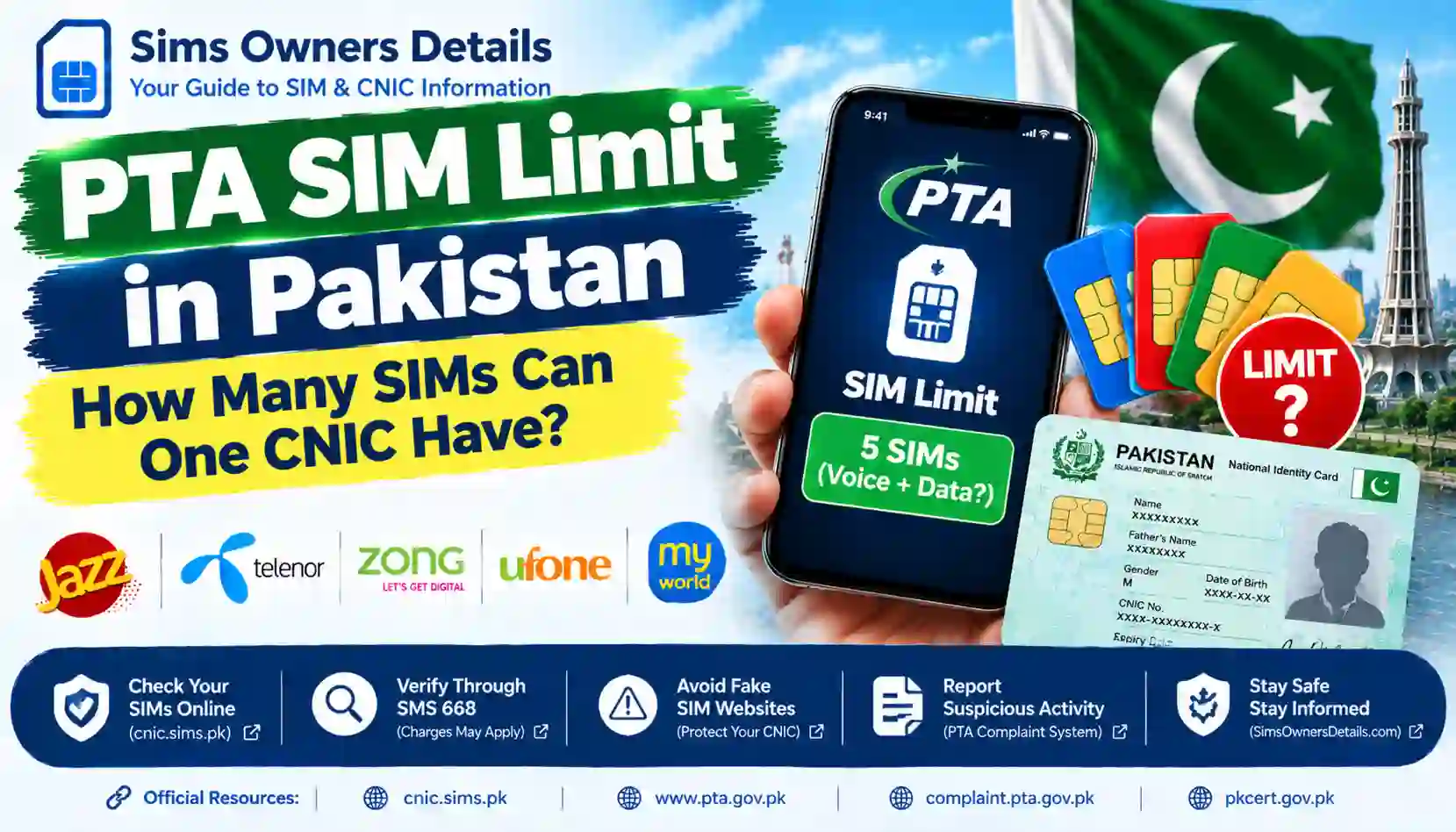
Learn the PTA SIM limit in Pakistan, how to check SIMs registered on your CNIC, and what to do if you reach the limit or find an unknown SIM.
If you use Jazz, Zong, Ufone, Telenor, or another mobile network in Pakistan, you may wonder how many SIM cards can be registered against one Computerized National Identity Card (CNIC).
Understanding the PTA SIM limit is important before buying a new number, replacing a lost SIM, or checking whether an unfamiliar SIM has been registered under your identity.
There is some conflicting information online about the permitted number of SIMs. Older regulatory reporting describes an allowance of five voice SIMs plus three data-only SIMs, while reports published in September 2026 quoted the PTA chairman as stating that a maximum of five SIM cards can be registered against one CNIC.
For that reason, users should check the latest applicable instructions with their mobile operator or the Pakistan Telecommunication Authority (PTA) before relying on a particular number.
This guide explains the available information, how to check your own SIM registrations, and what to do if your CNIC has reached its limit.
Quick Answer: How Many SIMs Can One CNIC Have?
The reported SIM limit depends on which regulatory clarification you consult:
- Recent reported clarification: A September 2026 news report stated that the PTA chairman described a maximum of five SIM cards per CNIC.
- Previously reported framework: Earlier reporting described an allowance of up to five voice SIMs and three data-only SIMs.
- What you should do: Confirm the currently applicable limit with PTA or your mobile operator before applying for an additional SIM.
Do not confuse the number of SIMs registered against your CNIC with the number of SIMs you personally use. An unfamiliar registration may also affect your ability to register a new connection.
You can start by checking your own registration record through the official PTA SIM Information System.
What Is the PTA SIM Limit?
The PTA SIM limit refers to restrictions on the number and type of mobile connections that may be registered against an individual’s identity document.
SIM registration procedures help mobile operators verify subscribers and maintain accurate registration records. In Pakistan, customers generally need to complete the operator’s required identity verification before a new SIM can be issued.
The applicable limit can depend on the regulatory framework and the category of connection. Voice-and-data SIMs and data-only SIMs have historically been discussed separately in Pakistani SIM registration rules.
Because public reporting has described different figures, avoid relying on old articles or social media posts alone. Confirm the current rule before purchasing a new connection.
Why Do Different Websites Mention Different SIM Limits?
When searching online, you may find websites stating that one CNIC can have five SIMs, eight SIMs, or a different number. These differences can arise because sources refer to different dates, connection categories, or regulatory interpretations.
1. The five-SIM limit
A five-SIM limit has long been associated with voice-capable mobile connections. In September 2026, news reports quoted the PTA chairman as stating that no more than five SIM cards could be registered against one CNIC.
Read the reported clarification here: PTA SIM limit report – Hamariweb.
2. The five voice plus three data-only framework
Earlier reporting described a separate allowance for data-only connections. In November 2015, Dawn reported that the Supreme Court had permitted three data-only SIMs in addition to the existing five-SIM limit for voice callers.
Read the historical report: Apex court allows PTA to relax limit on SIMs – Dawn.
3. How to interpret this information in 2026
These sources describe different regulatory statements and periods. The historical five-plus-three framework should not automatically be treated as confirmation that every category remains unchanged today, and a recent news report should not be treated as a substitute for the operator’s current registration rules.
If you are applying for a new SIM, ask the relevant operator to confirm:
- The current total limit applicable to your CNIC.
- Whether voice-and-data and data-only SIMs are counted separately.
- Whether an existing registration is preventing a new connection.
- What procedure applies if an unused or unauthorized SIM is registered against your identity.
This approach helps you avoid acting on outdated information.
How to Check SIMs Registered on Your CNIC
Before applying for another SIM, check your existing registrations. The official PTA SIM Information System provides a way to check the number of SIMs associated with your CNIC.
Method 1: Check through the official PTA SIM Information System
Follow these steps:
- Open the official website: https://cnic.sims.pk/.
- Make sure the domain is spelled correctly.
- Enter your own CNIC number as requested.
- Complete the verification step displayed on the page.
- Submit the form and review the result.
The website provides registration-count information according to the service’s available records. It is not a public service for obtaining another person’s private subscriber details.
Method 2: Check through SMS 668
PTA has also advised consumers to check SIMs registered against their CNIC by sending their CNIC number without dashes to 668. Charges may apply.
To use this method:
- Open the messaging application on your phone.
- Enter your own 13-digit CNIC number without dashes.
- Send it to 668.
- Review the reply and follow any instructions provided.
Confirm the current procedure and applicable charges with PTA or your operator if needed.
Method 3: Visit your mobile network’s authorized franchise
If you need more information about your registrations, visit an authorized customer service centre or franchise of the relevant network.
Take your original CNIC and explain that you want to confirm the SIMs registered under your identity. The operator can advise you on the verification process and whether any additional SIM can be issued.
Do not give your CNIC or biometric information to an unknown agent or an unofficial online service.
Does the SIM Limit Apply Separately to Each Network?
Do not assume that you can obtain the full permitted number of SIMs from every network separately.
The reported limits refer to registrations associated with an individual’s identity, and historical rules have been described across operators rather than as a separate unlimited allowance for each network.
For example, if your CNIC already has registrations across Jazz, Zong, Ufone, and Telenor, you should check your combined registration position rather than counting only the SIMs from the network where you want to buy a new number.
The exact treatment of different SIM categories should be confirmed with the operator under the current rules.
What Happens If You Have Reached the SIM Limit?
If an operator tells you that your CNIC has reached the applicable SIM limit, first check your existing registrations.
Step 1: Review your SIM count
Use the official SIM Information System or SMS 668 to review the registrations associated with your CNIC.
Step 2: Identify unused SIMs
Make a list of the connections you actually use. An old number, a forgotten connection, or an unfamiliar registration may be affecting your current record.
Step 3: Contact the relevant operator
Ask the network’s authorized customer service team how to close or disown a SIM you no longer need. Follow the operator’s identity-verification requirements.
Do not assume that removing a SIM from your phone automatically removes its registration from your CNIC.
Step 4: Recheck your record
After the operator confirms that the requested change has been processed, check your registration record again. If the information has not updated, ask the operator for a complaint reference and the expected resolution time.
Step 5: Escalate an unresolved complaint
If the operator does not resolve your complaint, review the available options through the PTA Complaint Management System.
What If an Unknown SIM Is Registered on Your CNIC?
An unfamiliar SIM registration should be investigated promptly. It does not, by itself, prove fraud, but it is important to confirm whether the record is accurate.
Follow these steps:
- Check your registration count through the official PTA system.
- Identify the network associated with the unexpected registration, where the available information permits.
- Visit that operator’s authorized franchise or customer service centre.
- Request an investigation into the SIM registered against your CNIC without your knowledge or consent.
- Follow the operator’s procedure for blocking or disowning an unauthorized SIM.
- Keep your complaint reference and any supporting documentation.
- Recheck your registration after the complaint has been processed.
PTA has advised consumers to approach the relevant service provider when a SIM appears to have been issued without their knowledge or consent.
For additional guidance, read our related article: How to Remove an Unauthorized SIM From Your CNIC. Link this anchor to the published article on SimsOwnersDetails.com.
Can You Buy a New SIM If Your CNIC Has Reached the Limit?
If you have reached the currently applicable registration limit, the operator may be unable to issue another SIM against the same CNIC until your registration position changes or the operator confirms that you are eligible under the relevant rules.
The correct procedure is to:
- Check your current registration record.
- Confirm the applicable limit with the operator.
- Close or disown an unwanted connection if appropriate.
- Wait for the operator’s system to reflect the change.
- Follow the normal verification procedure for a new SIM.
Do not use another person’s CNIC to bypass the registration process. SIMs should be registered in the name of the person who will use them, according to the applicable procedures.
Why Correct SIM Registration Matters
Correct registration helps protect your identity and reduces confusion when you need to manage your mobile connections.
1. It helps you keep track of your connections
Regularly reviewing your registrations can help you identify numbers you have forgotten or no longer use.
2. It helps you identify unexpected registrations
If the SIM count does not match your own records, you can contact the relevant operator and ask for an investigation.
3. It helps you manage unused connections
Closing or disowning connections you no longer need can help keep your registration information accurate.
4. It helps you follow the operator’s requirements
Keeping your SIM registrations accurate can reduce problems when requesting a new connection or resolving a registration issue.
Common Myths About the PTA SIM Limit
| Claim | What you should know |
|---|---|
| You can register the full limit separately on every network. | Do not assume the allowance applies separately to each operator. Confirm the applicable combined limit. |
| A SIM not inserted in your phone no longer counts. | Removing a SIM from a handset does not necessarily end its registration. |
| An unused SIM automatically disappears from your CNIC. | Contact the operator and follow its formal closure or disowning procedure. |
| Every website mentioning a SIM limit is up to date. | Check the publication date and verify current rules with PTA or your operator. |
| A SIM count proves that someone committed fraud. | An unexpected record requires investigation; the count alone does not establish what happened. |
| Another person’s CNIC can be used to register your SIM without consequences. | Follow the operator’s registration requirements and use your own eligible identity document. |
Official Resources for SIM Verification in Pakistan
Use the following resources to check information and resolve registration issues.
| Resource | Purpose |
|---|---|
| PTA SIM Information System | Check SIM registration counts associated with your own CNIC. |
| Pakistan Telecommunication Authority | Review official telecom information and announcements. |
| PTA Complaint Management System | Review the process for submitting telecom-related complaints. |
| National CERT Pakistan | Read cybersecurity guidance and safety advisories. |
Frequently Asked Questions
How many SIMs can one CNIC have in Pakistan in 2026?
Public information is inconsistent. September 2026 reporting quoted the PTA chairman as stating a maximum of five SIMs per CNIC, while earlier reporting described five voice SIMs plus three data-only SIMs. Confirm the current limit and how SIM categories are counted with PTA or your mobile operator.
Can I check how many SIMs are registered on my CNIC online?
Yes. Use the official PTA SIM Information System and follow its instructions to check the registrations associated with your own CNIC.
Can I check my SIM count through SMS?
PTA has advised consumers to send their CNIC number without dashes to 668. Charges may apply, so confirm the current procedure if necessary.
What should I do if my CNIC has reached the SIM limit?
Check your registrations and contact the relevant operator if you have unused or unfamiliar SIMs. Ask about the formal process for closing or disowning a connection and confirm your record afterward.
Can I remove an unused SIM from my CNIC?
Contact the operator that issued the SIM and follow its identity-verification and closure procedure. Removing the SIM card from your phone alone may not remove the registration.
What if I find a SIM I never registered?
Contact the relevant operator promptly and request an investigation. Keep the complaint reference and escalate an unresolved telecom complaint through PTA’s official complaint portal.
Does the SIM limit change every year?
It should not be assumed that a limit has changed merely because a website publishes a new number. Check current PTA information and your operator’s requirements before acting on a claimed policy change.
Conclusion
The PTA SIM limit is an important consideration for anyone buying a new mobile connection or reviewing SIMs registered against their CNIC. However, conflicting public information means readers should verify the currently applicable limit rather than rely on a single outdated article.
Start by checking your own registrations through the official PTA SIM Information System or the confirmed SMS 668 procedure. If you reach the applicable limit, contact your operator about unused connections. If you find an unfamiliar SIM, request an investigation and keep your complaint reference.
Disclaimer: SimsOwnersDetails.com is an independent informational website and is not affiliated with PTA, NADRA, or any mobile network operator. This article provides general educational information and is not a substitute for current instructions from the relevant authorities.