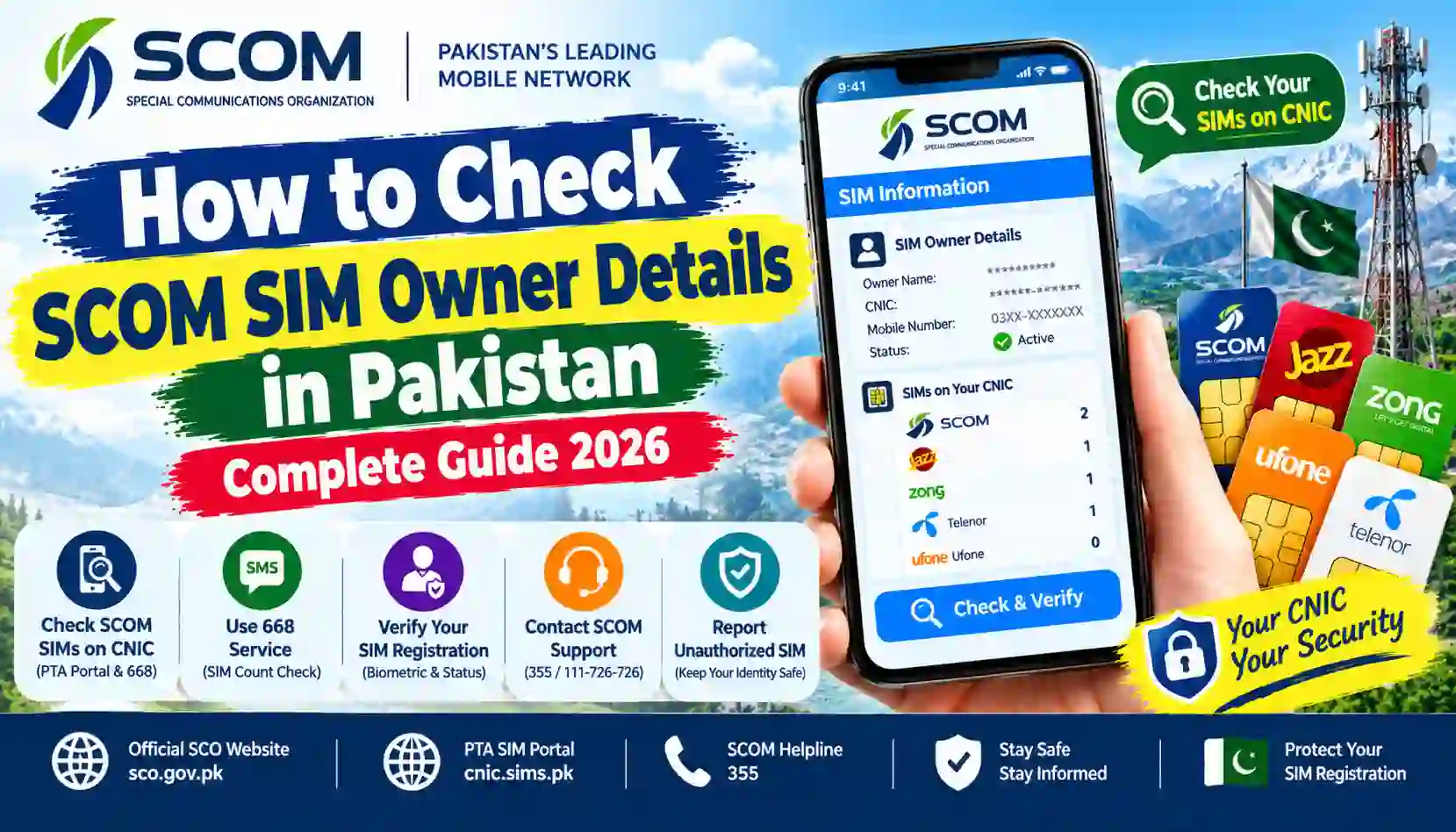
Learn how to check SCOM SIM owner details in Pakistan, verify SIMs on your CNIC, use PTA’s 668 service, and contact official SCO support.
Are you looking for a way to check SCOM SIM owner details in Pakistan? Whether you want to verify your own SCOM SIM registration, check SIMs registered against your CNIC, or report an unfamiliar connection, it is important to use reliable and authorized methods.
SCOM is a mobile telecommunications service operated by the Special Communications Organization (SCO). It serves customers in Azad Jammu and Kashmir (AJK) and Gilgit-Baltistan (GB).
Your mobile SIM is connected to your personal identity and may be used for banking, mobile wallets, online accounts, and everyday communication. Therefore, checking your own SIM registration and keeping your information accurate are important steps for protecting your digital identity.
In this guide, you will learn how to check SIMs registered against your CNIC, use the PTA SIM Information System, contact SCOM customer support, and report an unauthorized registration.
Important: There is no general public service that allows anyone to enter another person’s SCOM number and retrieve their private name, CNIC, or address. This guide focuses on your own SIM and authorized verification procedures.
Sims Owners Details is an independent informational website. It is not affiliated with SCO, SCOM, PTA, or NADRA.
What Is SCOM?
SCOM is a telecommunications service associated with the Special Communications Organization (SCO), which provides connectivity in Azad Jammu and Kashmir and Gilgit-Baltistan.
The network offers mobile communication services and other telecommunications facilities for customers in these regions.
People may search for SCOM SIM owner details for several reasons:
- To verify the registration of their own SCOM SIM.
- To check SIMs registered against their CNIC.
- To investigate an unfamiliar SIM registration.
- To contact SCO for SIM-related assistance.
- To understand how to block or replace a lost SIM.
- To learn about the official SIM verification process.
If you use a SCOM connection, it is important to confirm its registration through the operator’s authorized support channels.
How to Check SCOM SIM Owner Details in Pakistan
If you want to verify your own SCOM SIM, start with the official PTA SIM Information System and SCO customer support.
The following methods explain how to check your registration and where to get assistance.
Method 1: Check SIMs Registered Against Your CNIC Online
The PTA SIM Information System allows users to check the number of SIMs registered against their own CNIC.
Official website: https://cnic.sims.pk/
Follow these steps:
- Open the PTA SIM Information System in your browser.
- Select the CNIC option.
- Enter your own 13-digit CNIC number without dashes.
- Complete the verification challenge if one appears.
- Submit the information.
- Review the SIM counts displayed for the available mobile operators.
This method helps you understand how many SIMs are associated with your identity.
If the result includes an unfamiliar registration count, contact the relevant operator and ask for an investigation.
Note: The portal is designed for checking SIM counts against your own CNIC. It is not a public database for retrieving another person’s private SIM number, name, or address.
Method 2: Check SIM Registration Through SMS 668
You can also use the PTA’s SMS-based SIM Information System if you do not have internet access.
Follow these steps:
- Open the Messages application on your phone.
- Enter your own 13-digit CNIC number without spaces or dashes.
- Send the message to
668. - Wait for the response.
- Review the SIM registration counts provided by the service.
Standard SMS charges may apply. Confirm the current charges with your mobile operator if necessary.
This service helps you check the number of SIMs registered against your identity. It does not provide a public list of private subscriber names or mobile numbers.
For online verification, visit https://cnic.sims.pk/.
Method 3: Contact SCOM Helpline 355
If you want to verify your own SCOM SIM registration or resolve a SIM-related issue, contact SCO customer support.
According to the official SCO website, customers can call:
SCOM Helpline: 355
You can call 355 from your SCOM number. SCO lists this helpline as available 24 hours a day.
When contacting customer support, explain what you want to verify. You can ask about:
- Confirming the registration of your own SCOM SIM.
- Checking whether your SIM requires further verification.
- Reporting a lost or stolen SIM.
- Investigating an unfamiliar SIM registration.
- Requesting a SIM replacement.
- Understanding the ownership-transfer procedure.
The representative may require identity verification before discussing account-specific information.
Official contact page: https://sco.gov.pk/contact-us
Method 4: Contact SCO Through Its UAN Number
If you cannot call from your SCOM number, SCO also publishes a general UAN contact number.
SCO UAN: 111-726-726
You can use this contact option to ask about customer support, service centres, and SIM-related procedures.
For the latest contact information, visit: https://sco.gov.pk/contact-us
Do not share your OTP, account password, or sensitive identity information with an unverified caller.
Method 5: Visit an Authorized SCO Customer Service Centre
If your registration issue cannot be resolved through the helpline, visit an authorized SCO customer service centre or franchise.
Carry your original CNIC and the SCOM SIM, if available.
Explain whether you need to:
- Verify your own SIM registration.
- Report an unfamiliar SIM.
- Replace a lost or damaged SIM.
- Correct an account registration issue.
- Ask about SIM ownership transfer.
- Complete biometric verification.
The staff may ask you to complete identity or biometric verification depending on the service.
You can find official service centre and franchise information through the SCO website: https://sco.gov.pk/contact-us
Official franchise directory: https://sco.gov.pk/franchises
Can You Check SCOM SIM Owner Details by Mobile Number?
Many users search for a website where they can enter a SCOM mobile number and immediately receive the owner’s name, CNIC number, or home address.
You should be careful with such websites.
There is no general public PTA service that reveals another subscriber’s private registration information simply by entering a mobile number.
The PTA SIM Information System is intended for checking the number of SIMs registered against your own CNIC. For information about your own SCOM account, contact SCO through its official support channels.
Websites claiming to provide unrestricted access to private SIM owner records may expose visitors to:
- Fake or inaccurate subscriber information.
- Phishing pages.
- Unnecessary requests for CNIC details.
- Fraudulent payment requests.
- Malware or suspicious downloads.
- Misuse of personal information.
If you receive suspicious calls or messages from a SCOM number, preserve relevant evidence and report the issue through the appropriate operator or official complaint channel. Do not attempt to obtain another person’s private subscriber information through unauthorized databases.
Does Sending MNP to 667 Work for SCOM?
Many online articles discuss sending MNP to 667 for SIM-related registration checks.
However, you should not assume that 667 is an officially supported SCOM SIM owner verification code.
The 667 service is commonly associated with mobile number portability and related checks. Its applicability to SCOM should not be assumed, and SCO does not publish 667 as a SCOM owner-verification code on its official contact information.
If you want to confirm the registration of your own SCOM SIM, contact SCO directly through:
- Helpline:
355 - UAN:
111-726-726 - Official website: https://sco.gov.pk/
Ask customer support for the current verification procedure before using any SMS code.
How to Check Which Network a Mobile Number Uses
If you only want to identify the mobile network associated with a number, the PTA SIM Information System publishes a separate network-check method.
According to the official portal, send an SMS in this format to 76367:
N 03XXXXXXXXX
Replace the example with the mobile number you want to check.
The portal lists a charge of Rs. 2 plus tax for this service. Confirm the current charge before sending the message.
Important: This service is for identifying the network associated with a mobile number. It does not reveal the subscriber’s name, CNIC, address, or private account information.
Official source: https://cnic.sims.pk/
What Should You Do If an Unknown SIM Is Registered on Your CNIC?
If your PTA SIM count shows more connections than you recognize, investigate the matter through the relevant operator.
An unfamiliar count does not automatically prove fraud. It may relate to an old connection, an account you have forgotten, or a registration issue that requires investigation.
Step 1: Check Your CNIC Through PTA
Visit https://cnic.sims.pk/ or send your own CNIC number without dashes to 668.
Review the SIM counts shown for the available operators.
Step 2: Contact SCO
If you suspect that an unfamiliar registration is related to SCOM, contact the official SCO helpline at 355.
Explain that the PTA result has raised a concern and ask how to investigate the registration.
Step 3: Visit an SCO Service Centre
If customer support asks you to visit in person, take your original CNIC and follow the required verification procedure.
Ask the representative to explain how the registration can be checked and what action is available if an unauthorized connection is confirmed.
Step 4: Request Blocking or Disowning
If the operator confirms an unwanted registration, ask which official procedure applies.
Blocking and disowning are not necessarily the same action. Confirm whether you need a temporary block, permanent disconnection, or correction of the registration record.
Keep any complaint number, receipt, or written confirmation provided by SCO.
Step 5: Submit a PTA Complaint if Necessary
If your complaint remains unresolved, you can escalate the issue through the PTA complaint portal:
https://complaint.pta.gov.pk/RegisterComplaint.aspx
Include relevant details about the issue and any complaint reference supplied by SCO. Submit sensitive documents only through verified official channels when required.
SCOM SIM Registration and Biometric Verification
SIM registration and biometric verification help telecom operators confirm the identity of subscribers.
If you purchase a new SCOM SIM, replace an existing SIM, or request certain account changes, the operator may require identity verification.
Keep the following points in mind:
- Use your own original CNIC for eligible registration procedures.
- Complete biometric verification only at authorized locations.
- Do not allow an unknown person to use your fingerprints for an unexplained SIM registration.
- Keep your SIM and account information secure.
- Ask SCO about the documentation required for ownership transfer or replacement.
- Confirm the current procedure before visiting a service centre.
SCO also publishes information about its eSIM service and biometric activation requirements.
Official eSIM information: https://sco.gov.pk/mobile/esim
Difference Between 667, 668, 76367, and SCO Helpline 355
These services have different purposes. Understanding their differences can help you avoid using an incorrect verification method.
| Service | Main purpose | Important limitation |
|---|---|---|
| SMS 667 | Commonly associated with MNP and related SIM checks | Do not assume it is supported for SCOM owner verification |
| SMS 668 | Checks SIM counts associated with your CNIC | Does not provide a public list of private subscriber details |
| SMS 76367 | Checks the network associated with a mobile number | Does not identify the subscriber |
| PTA portal | Checks SIM counts associated with your CNIC | Requires your own CNIC for a personal registration check |
| SCOM helpline 355 | Official SCOM customer support | Account-specific verification may be required |
| SCO UAN 111-726-726 | General SCO customer support | Follow the operator’s instructions for account-related requests |
For current SIM count verification, use the PTA portal: https://cnic.sims.pk
For SCOM support, use the official SCO contact page: https://sco.gov.pk/contact-us
Important Safety Tips for SCOM SIM Users
Your mobile number may be connected to personal accounts and financial services. Protecting your SIM registration is therefore important.
Follow these safety tips:
- Use your own registered SIM: Make sure your SCOM connection is registered correctly.
- Check your CNIC regularly: Use the PTA SIM Information System to review your SIM counts.
- Protect your CNIC: Do not enter your identity information on unknown SIM database websites.
- Never share OTPs: Do not disclose one-time passwords to unknown callers.
- Use authorized SCO centres: Complete SIM registration and biometric procedures through approved channels.
- Report lost SIMs quickly: Contact SCO if your phone or SIM is lost or stolen.
- Keep complaint records: Save your reference numbers and service receipts.
- Avoid suspicious databases: Do not trust websites claiming to reveal private subscriber names, addresses, or call records.
Frequently Asked Questions
1. How can I check SCOM SIM owner details in Pakistan?
To verify your own SCOM SIM, contact SCO through its official helpline at 355 or UAN 111-726-726. To check SIM counts associated with your own CNIC, use https://cnic.sims.pk/ or send your CNIC without dashes to 668.
2. What is the SCOM SIM owner check code?
SCO’s official website lists 355 as its SCOM customer support helpline. It does not publish a dedicated public owner-lookup code. Contact SCO to confirm the current verification procedure for your own SIM.
3. Can I check SCOM SIM owner details by mobile number?
There is no general public PTA service that reveals another subscriber’s private name and CNIC by entering a mobile number. For your own SCOM account, contact the operator through authorized channels.
4. How can I check SCOM SIMs registered against my CNIC?
Visit the PTA SIM Information System at https://cnic.sims.pk/ and enter your own CNIC without dashes. Alternatively, send your 13-digit CNIC number to 668. SMS charges may apply.
5. Does 668 show the SCOM owner’s name?
No. The PTA SIM Information System is designed to show SIM registration counts associated with your CNIC. It is not a public subscriber-name lookup service.
6. What is the official SCOM helpline?
SCO lists 355 as the customer support helpline for SCOM users. The general UAN is 111-726-726. Confirm current details through https://sco.gov.pk/contact-us.
7. Does MNP to 667 work for SCOM?
Do not assume that 667 is an officially supported SCOM SIM owner verification code. Confirm the correct procedure directly with SCO before using an SMS service.
8. Can I check SCOM SIM details without internet?
You can use the PTA SMS service at 668 to check SIM counts associated with your own CNIC. For SCOM account-specific assistance, call 355 from your SCOM number.
9. What should I do if an unknown SCOM SIM appears on my CNIC?
Contact SCO customer support, request an investigation, and visit an authorized service centre if required. If the issue remains unresolved, consider submitting a complaint through the PTA complaint portal.
10. Is Sims Owners Details an official SCO or PTA website?
No. Sims Owners Details is an independent informational website. It is not affiliated with or endorsed by SCO, SCOM, PTA, or NADRA.
Conclusion
Checking SCOM SIM owner details in Pakistan starts with understanding which information you need and using the appropriate official service.
If you want to check SIM counts associated with your own CNIC, use the PTA SIM Information System at https://cnic.sims.pk/ or send your CNIC without dashes to 668.
If you need to verify your own SCOM SIM or resolve a registration issue, contact SCO through its official helpline at 355 or UAN 111-726-726. You can also visit an authorized SCO customer service centre for assistance.
Avoid unofficial websites that claim to provide private subscriber information. Protect your CNIC, use authorized verification channels, and keep your SIM registration information accurate.
Disclaimer: This article is for general informational and educational purposes. SIM verification procedures, SMS codes, charges, and operator policies may change. Confirm current requirements through official SCO and PTA channels. Sims Owners Details is independently operated and is not affiliated with or endorsed by SCO, SCOM, PTA, or NADRA.
If you want to check Sim owner Detail Visit Sims Owners Details